From first click to final delivery
A premium, end-to-end guided tour of the entire Florida Premier Media experience — from the moment you arrive on our site to the moment your finished media lands in your client portal.
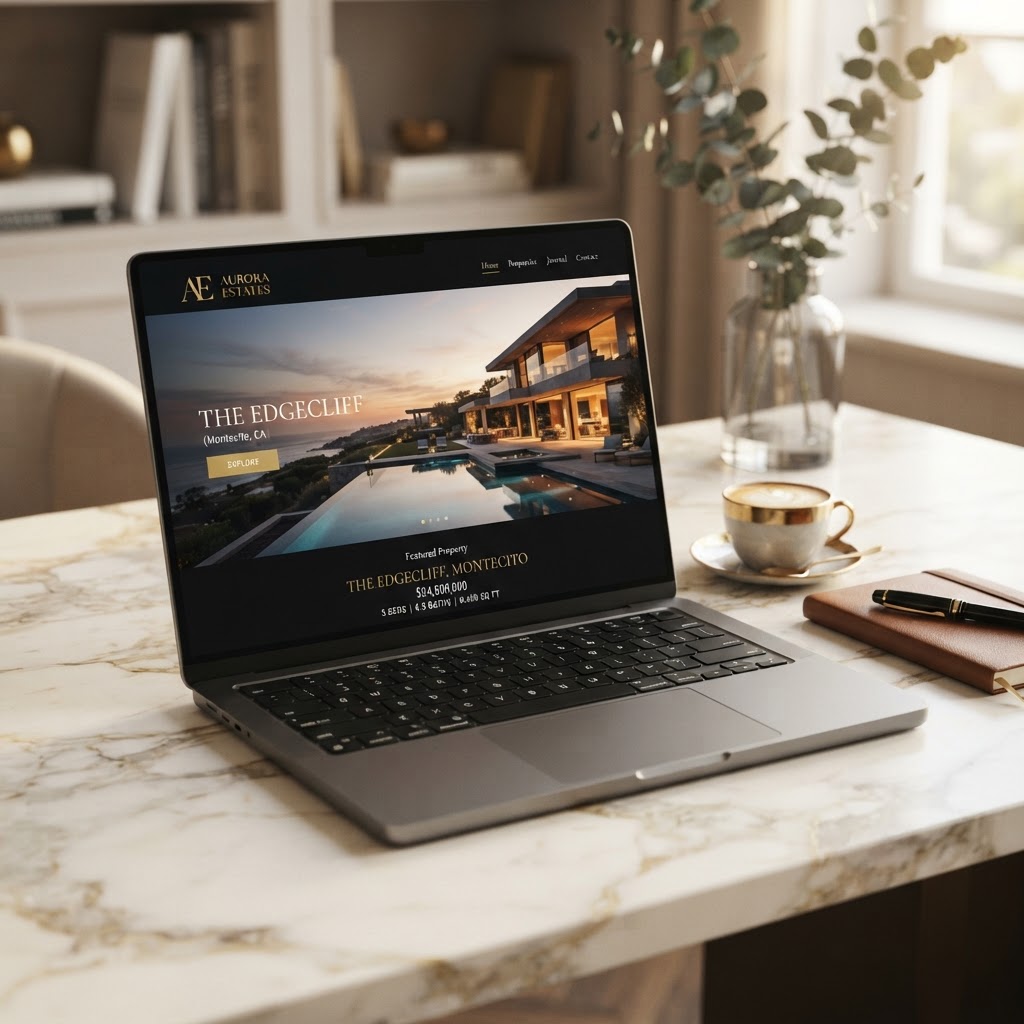
Discover your media online
Your journey begins on the Florida Premier Media website. Browse our full media suite, compare curated packages across residential, commercial, and short-term rentals, and review our portfolio of finished work — all before you ever speak to a person.
- Explore services: photography, cinematic video, drone, 3D tours, floor plans, twilight & more
- Compare transparent package pricing and what's included
- Review the portfolio to match the look you want for your property
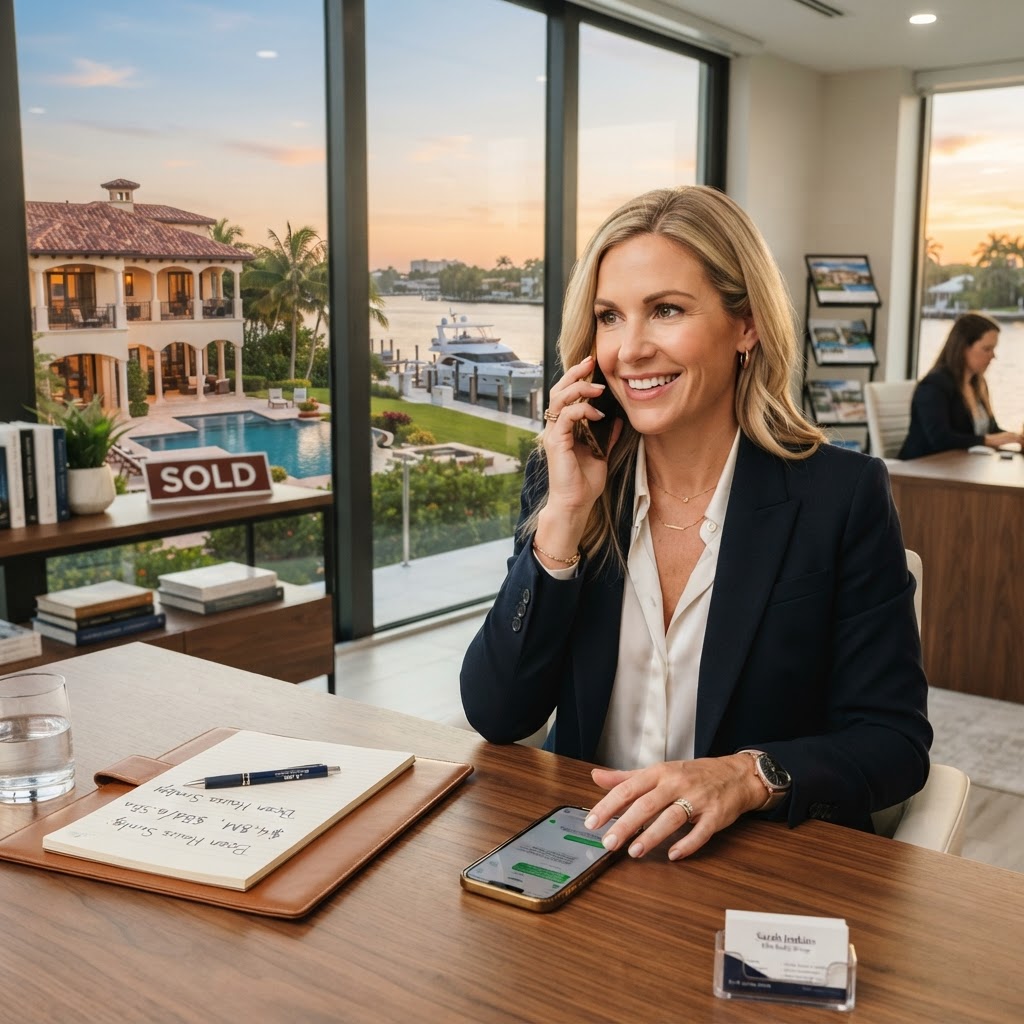
Call, text, email, or book online
When you're ready, reach us however is easiest — a phone call, a text, an email, or our online booking request. Ask questions, request a custom quote, confirm your scope, and lock in your shoot date. No double-booking, no guesswork.
- Call or text our studio for a fast, personal response
- Email detailed specs or reference images for your project
- Reserve your shoot date and confirm access instructions
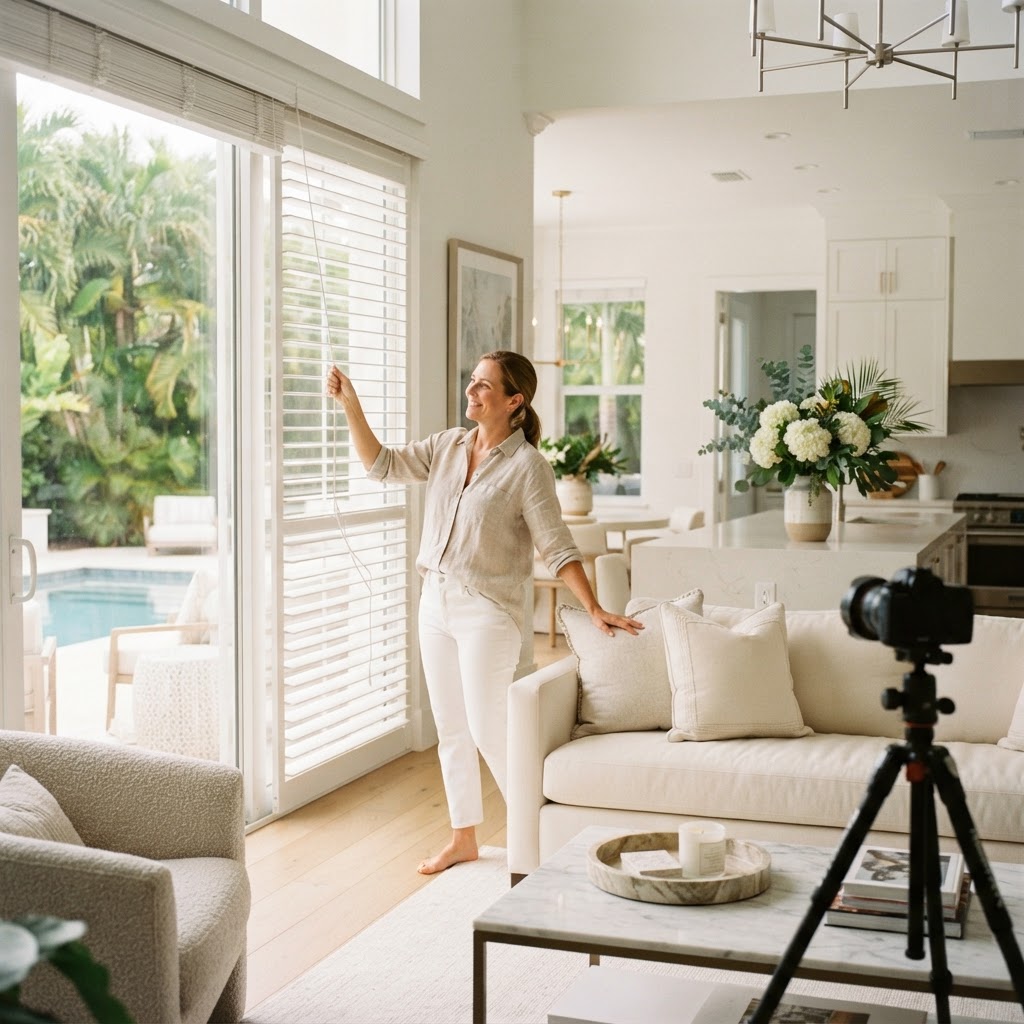
Prepare your property to shine
Before we arrive, a little preparation goes a long way. We share a clear prep checklist so every room is camera-ready — clean, bright, decluttered, and welcoming. The result is media that looks polished and professional the first time.
- Declutter surfaces and floors, open blinds and curtains
- Turn on every light, replace burned-out bulbs
- Secure pets, hide valuables, prep pools and outdoor areas
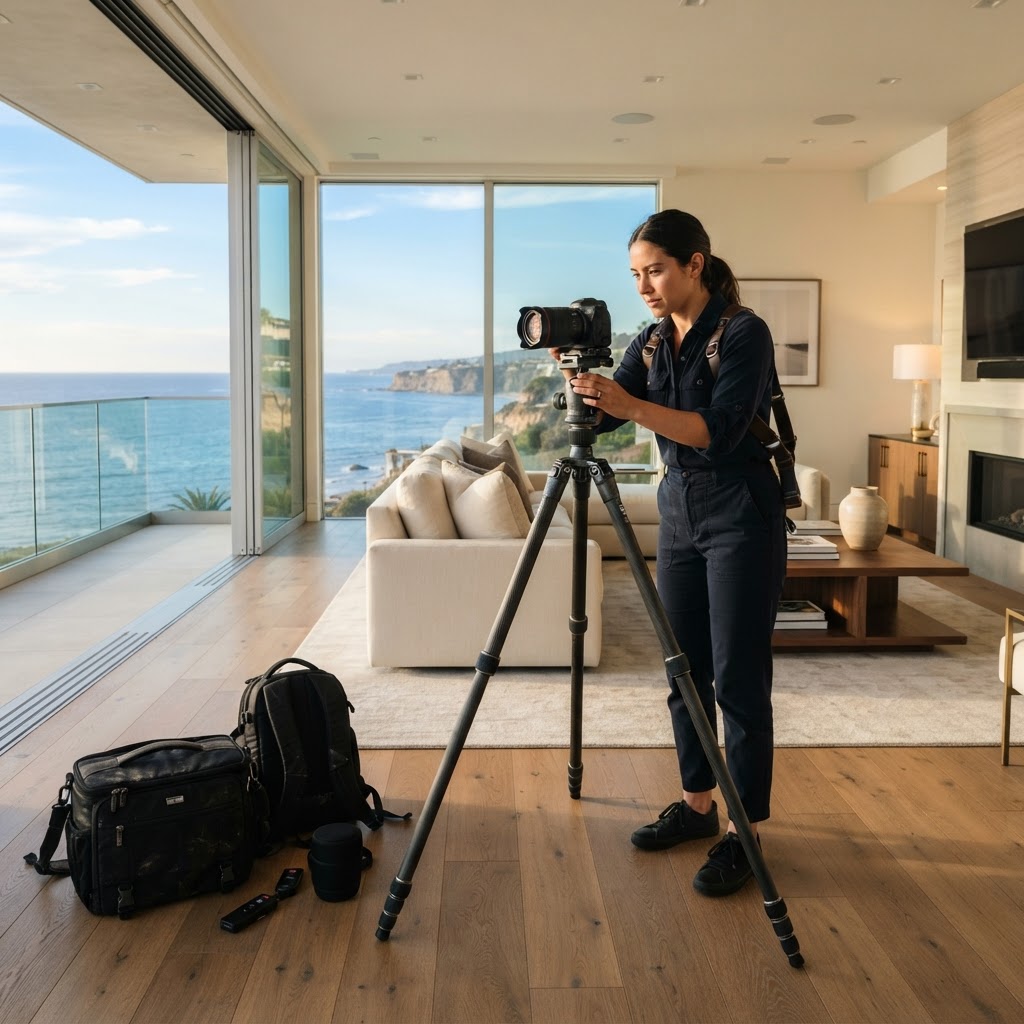
We capture photo & video on location
Our media team arrives on-site with professional gear and a calm, efficient workflow. We photograph interiors and exteriors, capture cinematic walkthrough video, and fly our drone for aerial coverage — all in a single, well-organized session.
- HDR interior & exterior photography with wide-angle composition
- Gimbal walkthrough video and vertical reels
- Matterport 3D scans and floor plans when included
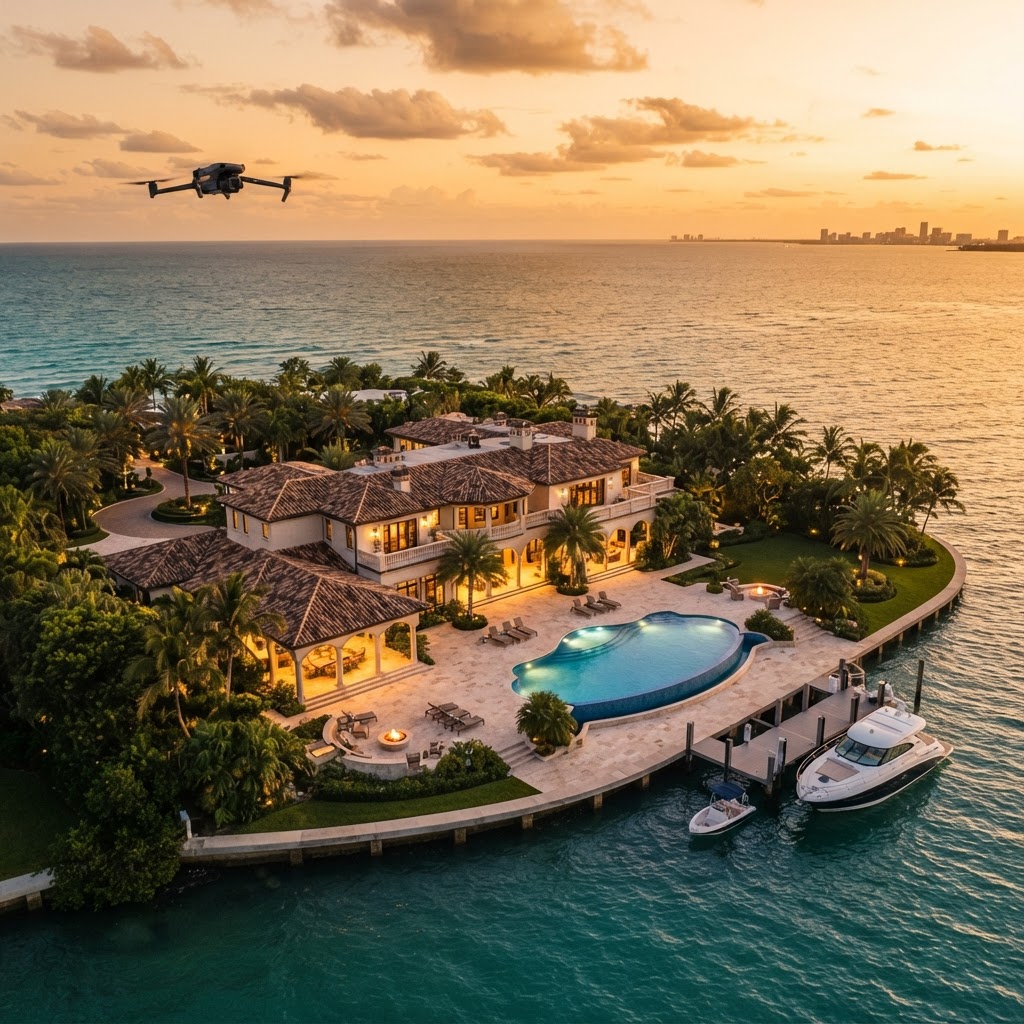
Drone flight & cinematic footage
Where your package includes aerial, our Part 107 drone pilots capture high-resolution stills and cinematic flight footage revealing lot lines, neighborhood context, and lifestyle — best captured at golden hour for that signature Florida glow.
- 4K aerial photography and smooth cinematic drone video
- Golden-hour and twilight aerial sessions available
- Perfect for large estates, waterfront, and commercial sites
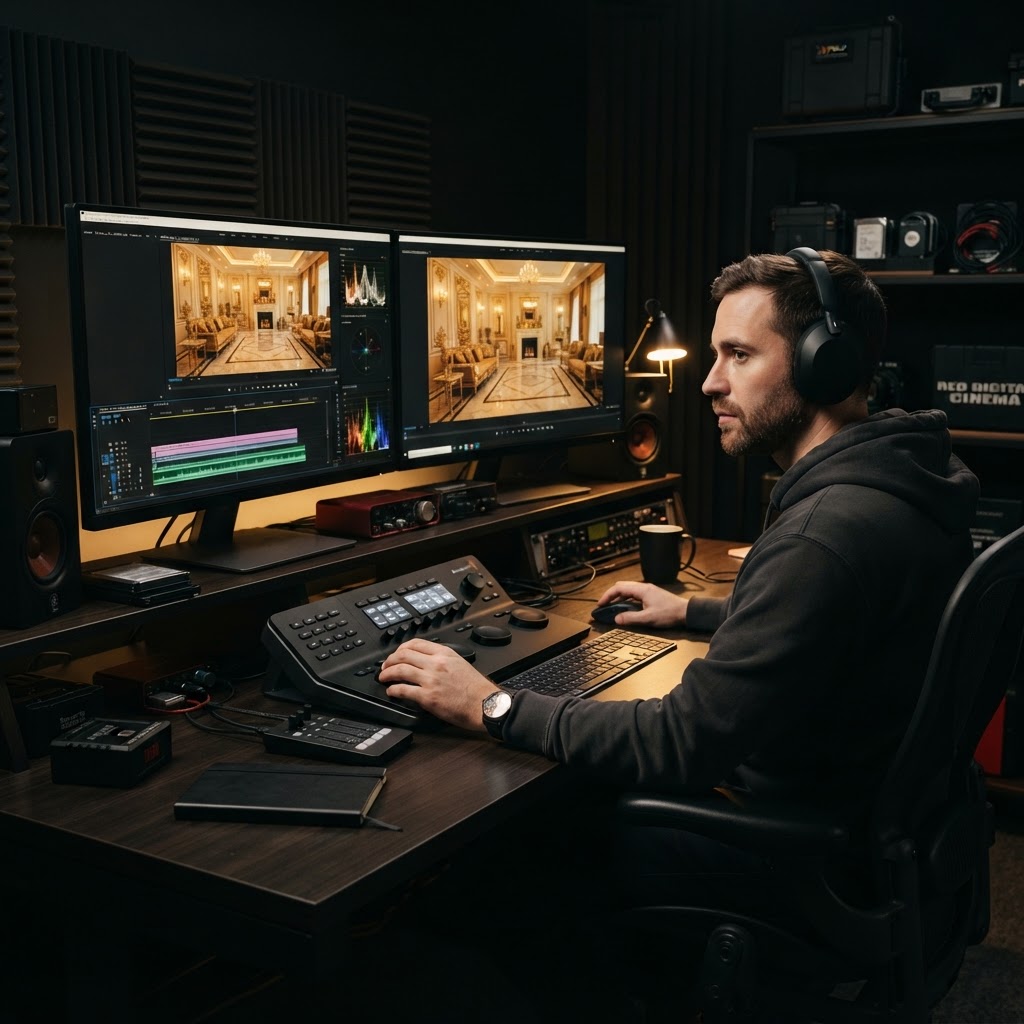
Luxury-grade editing & color grading
Back in the studio, our editors retouch every image and color-grade every frame. HDR blending, sky replacement, decluttering, and cinematic color work — all to a consistent luxury standard. Your media is assembled into one complete, branded package.
- HDR blending, sky enhancement, and luxury retouching
- Cinematic color grading and licensed music for video
- Branded & unbranded versions formatted for MLS and social
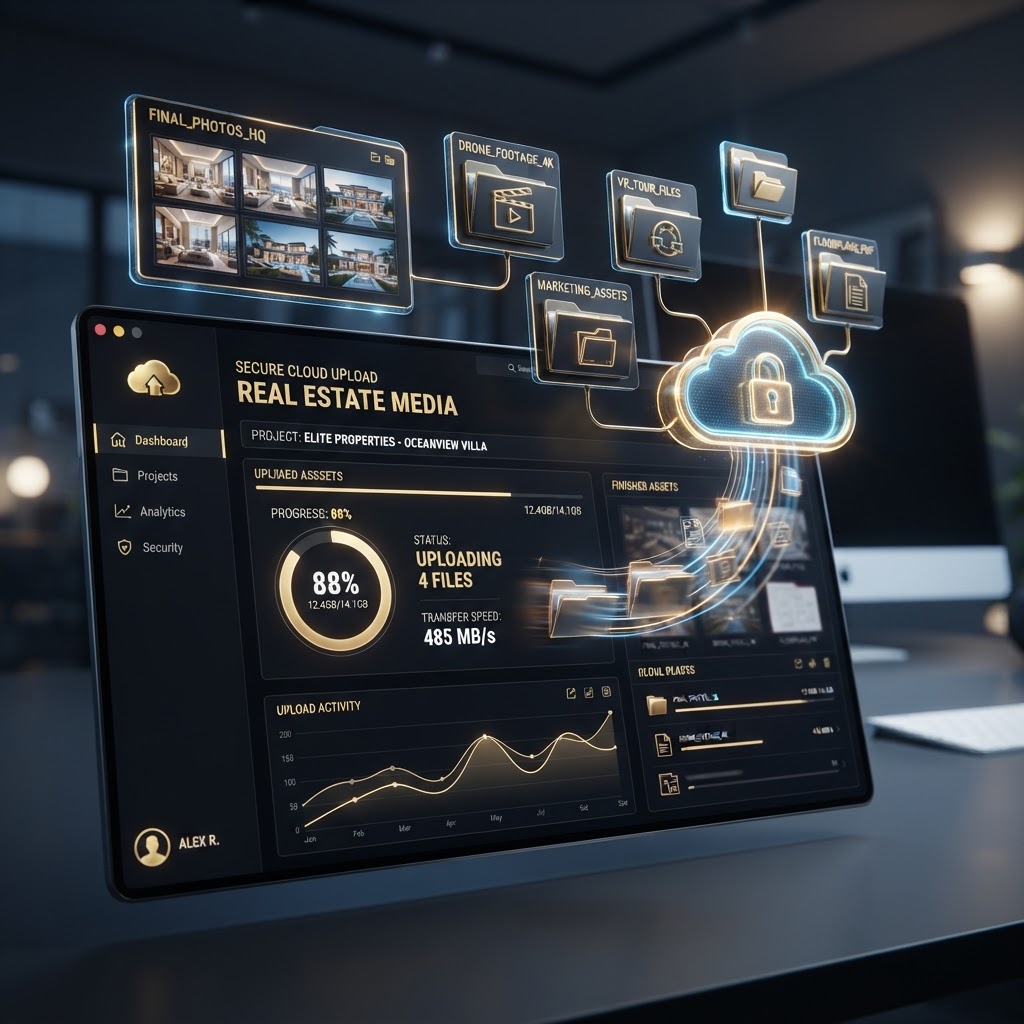
We upload your package to the portal
Once your package is finished, we upload everything — photos, video, drone, tours, and any add-ons — directly into your private Florida Premier Media client portal. Securely stored, organized, and ready the moment you log in.
- All deliverables uploaded to your secure client portal
- Organized by project with photos, video, and links in one place
- Available 24/7 from any device
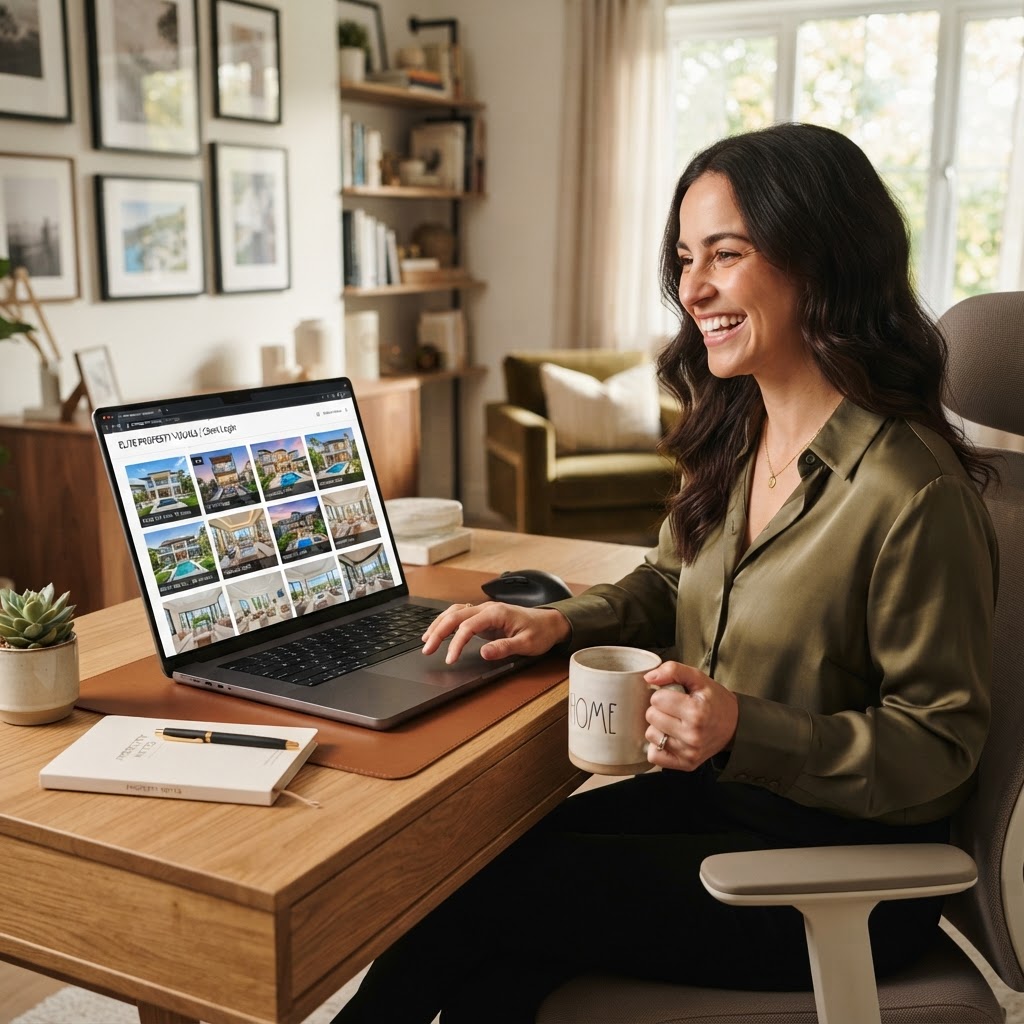
Log in, review & download everything
Your final step is delivery. Log in to your portal, view the complete package, and download MLS-ready files, full-resolution images, and final video — all in one place. Re-download anytime, share links, and move to your next listing with confidence.
- Log in to your private portal to view the full package
- Download MLS-ready, web, and full-resolution files
- Re-access and share your media anytime, from anywhere
Make sure your images come out perfect
A few simple steps before we arrive make a dramatic difference in the final media. Follow this checklist to ensure every photo and video looks polished, bright, and professional — ready to impress buyers from the very first frame.
- Declutter counters, floors, and visible surfaces
- Open all blinds and curtains to maximize natural light
- Turn on every interior and exterior light
- Replace any burned-out bulbs with matching tone
- Remove vehicles from the driveway when possible
- Secure pets in a comfortable area away from the shoot
- Hide personal documents, photos, and valuables
- Clean all mirrors, windows, and glass surfaces
- Prepare pools, patios, and outdoor living areas
- Make beds, fluff pillows, and stage key rooms
- Clear bathroom counters of toiletries and towels
- Confirm gate codes, access instructions, and parking